
Your TV channel on autopilot, 24 hours a day.
Upload your videos, plan the week and go on air. Playout AI runs your channel non-stop on your website and app, or on a platform such as YouTube – and switches to your live reporters by itself.
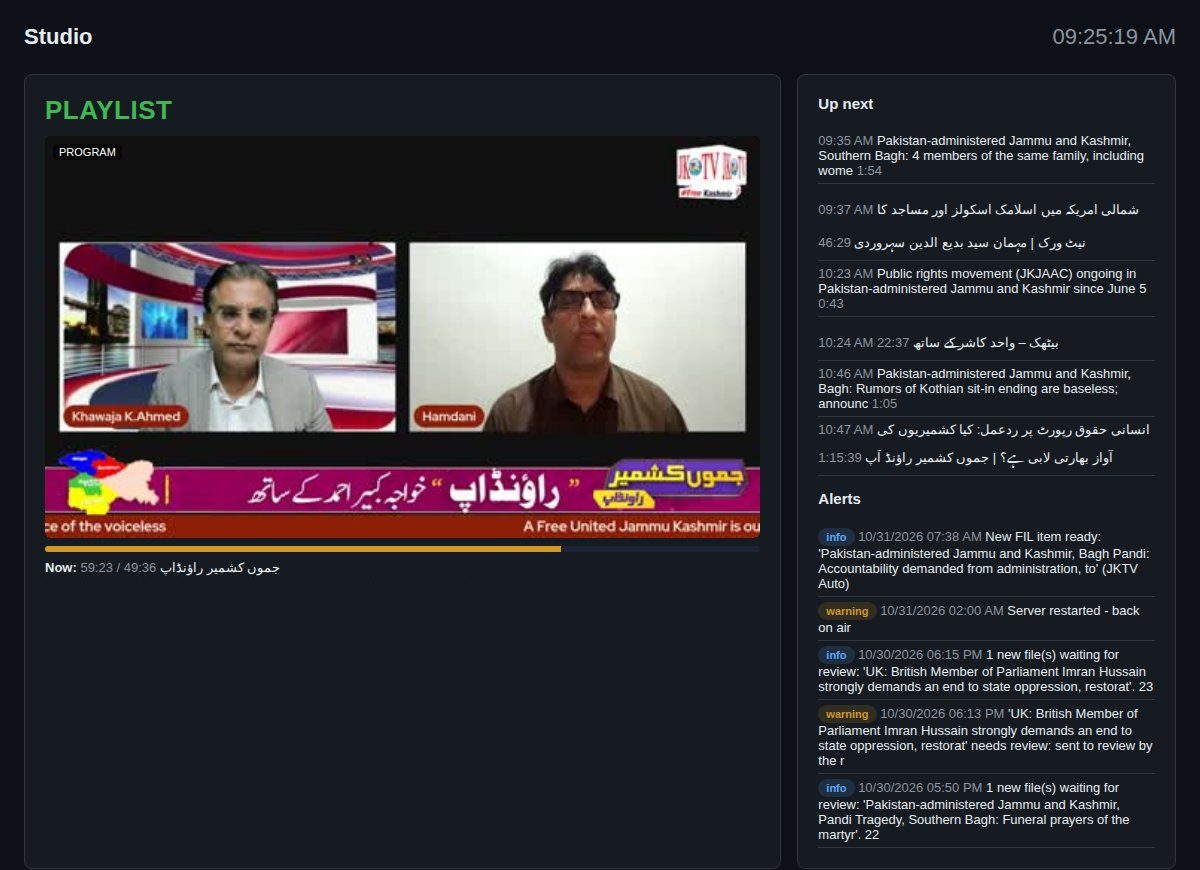
Everything a channel needs, in one place
No costly playout server, streaming server or switcher. One platform runs your channel automatically, 24/7, with multiple live sources in the switcher – across web, Android and iOS, on any VPS and from any browser.
Playout server
- 24/7 output in 1080p, broadcast sound (48 kHz)
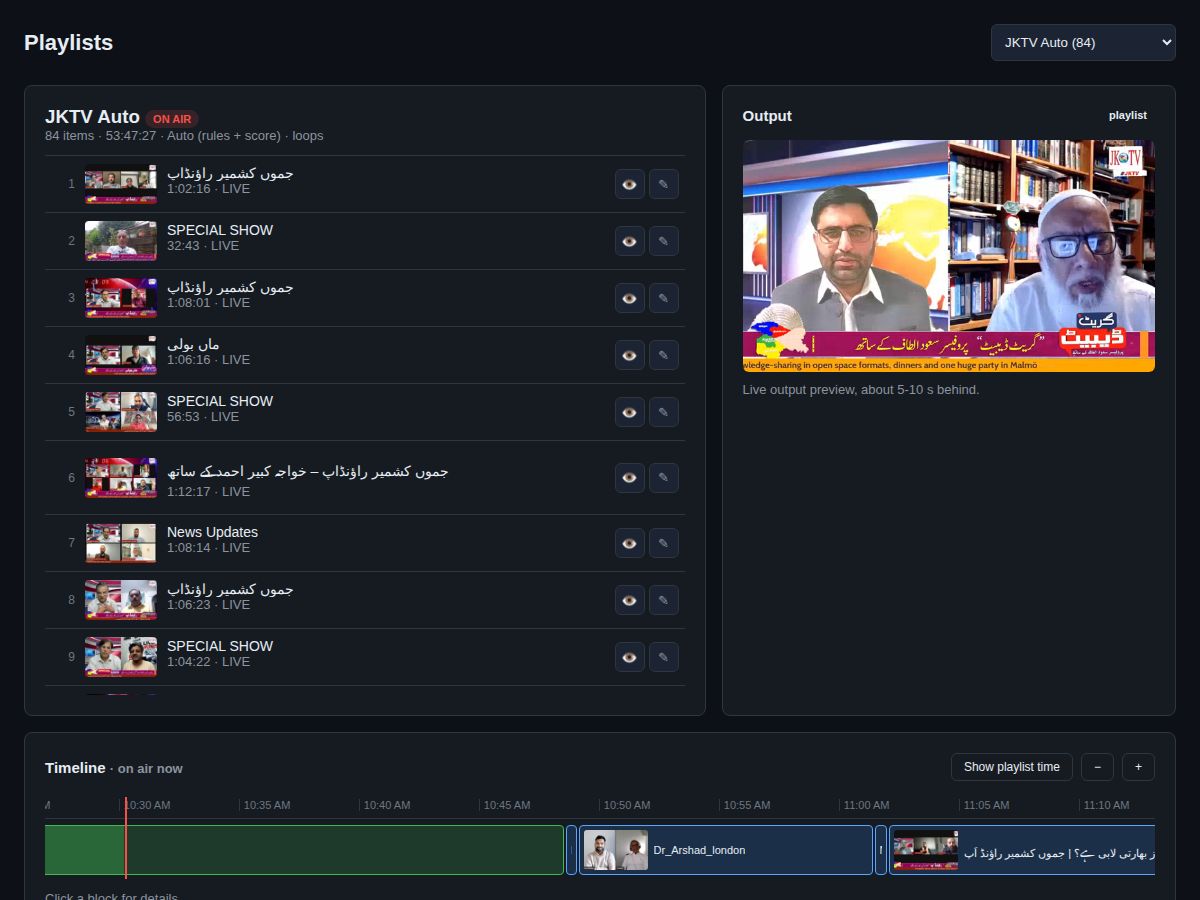
- Playlists, loops, drag and drop timeline
- Automatic playlists: new programmes and older ones take turns
- Never black: back-up programme and self-repair
- After a restart: same video, same second
Live streaming server
- 4 live inputs, encrypted (RTMPS and SRT)
- From OBS, vMix, StreamYard or a phone
- Goes live by itself when the studio connects – only in the times you allow
- Checks picture, sound and black screen first
- Every live show recorded and in the library
Switcher & studio
- See what goes out and every input
- Take live / back to playlist in one click
- Choose what your website shows
- Real viewer numbers
Scheduler
- Week calendar for playlists and live shows
- One video at a set time, daily or weekly
- Rules: news first, shelf life, play limits
- Breaking news jumps the queue
Ads
- Ad breaks after every N videos or minutes
- In turn or in a fixed order
- Start / end dates and daily limits
- Play reports for your advertisers
Get videos in from everywhere
- Upload big files in the browser (resumes after a break)
- SFTP account per reporter
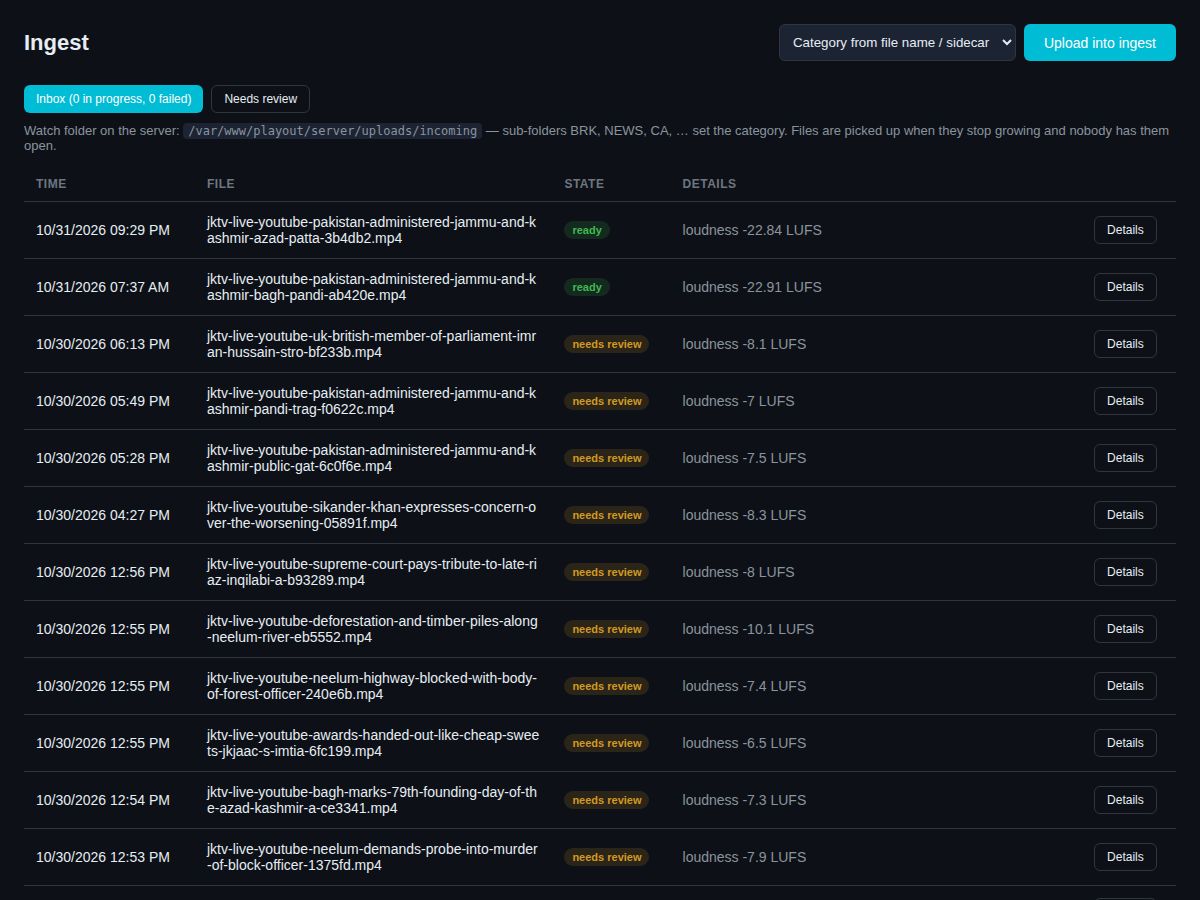
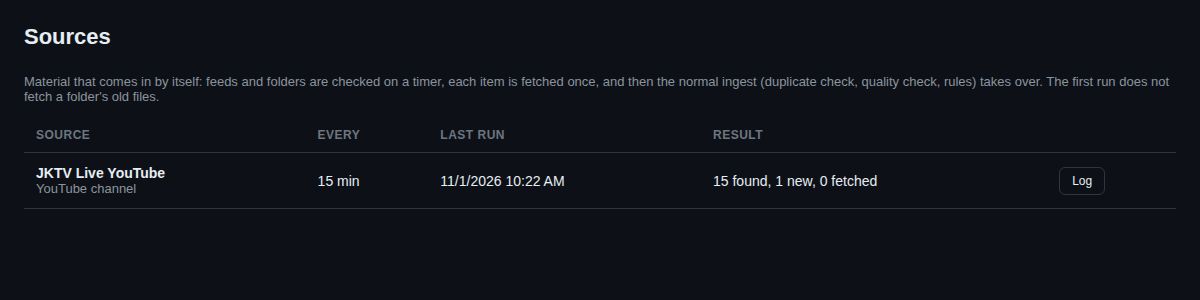
- YouTube channel and RSS import
- Automatic check, conversion to 1080p and one sound level
- AI reads the programme name from the on-screen banner
Reporters & guests
- Upload portal that works like a phone app
- One-time guest links with QR code
- Review: approve, reject, breaking
- Virus scan and GPS removal
Safe and watched
- E-mail alerts: switches and every problem
- Weekly health e-mail
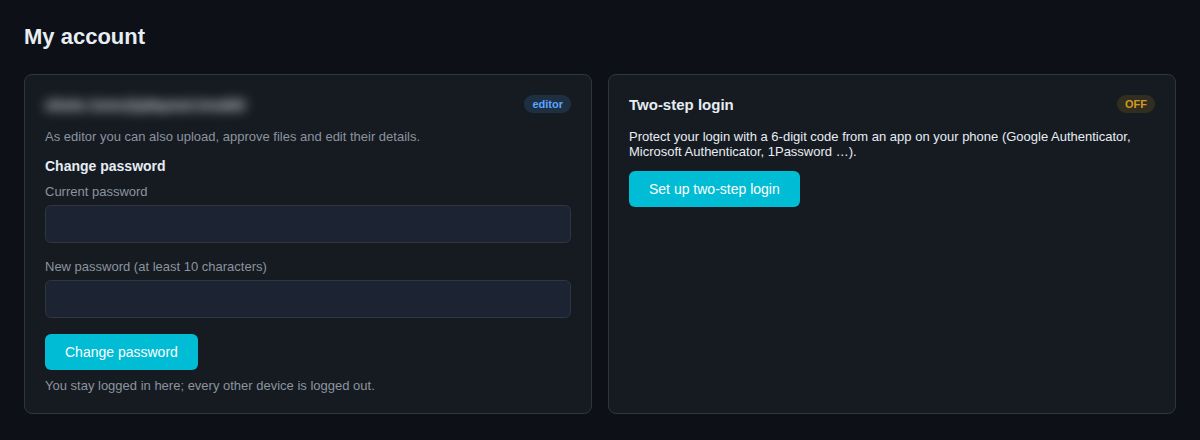
- Roles, two-step login, audit log
- As-run log of everything that aired
Running at Jammu Kashmir TV
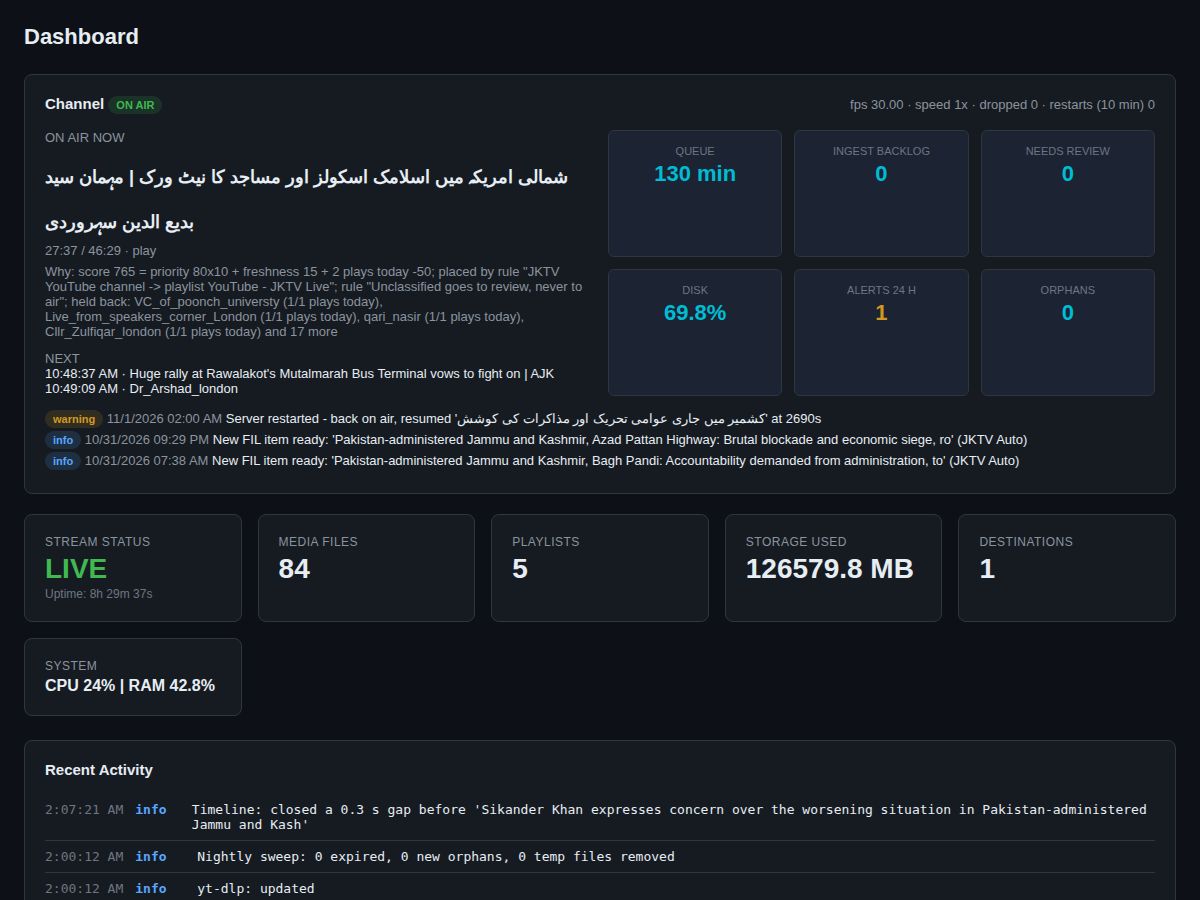
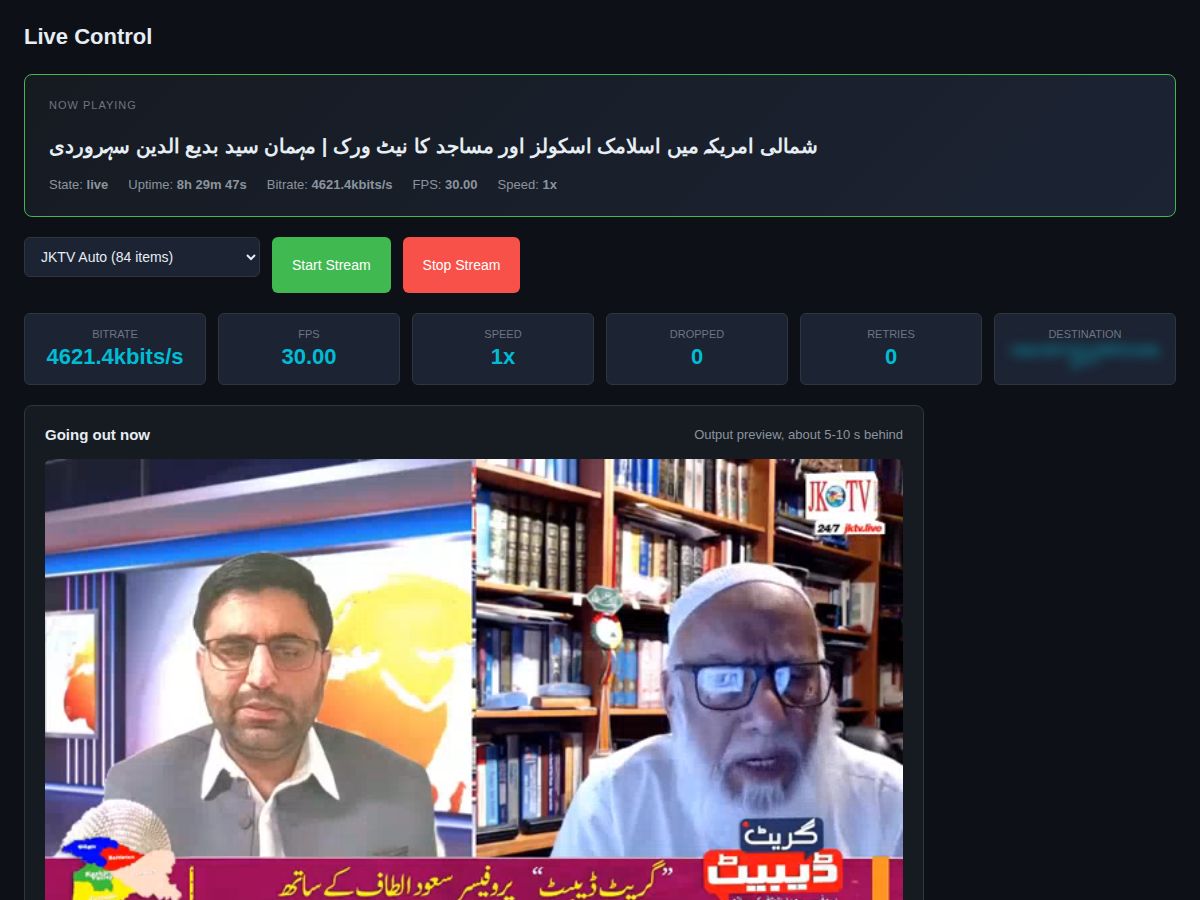
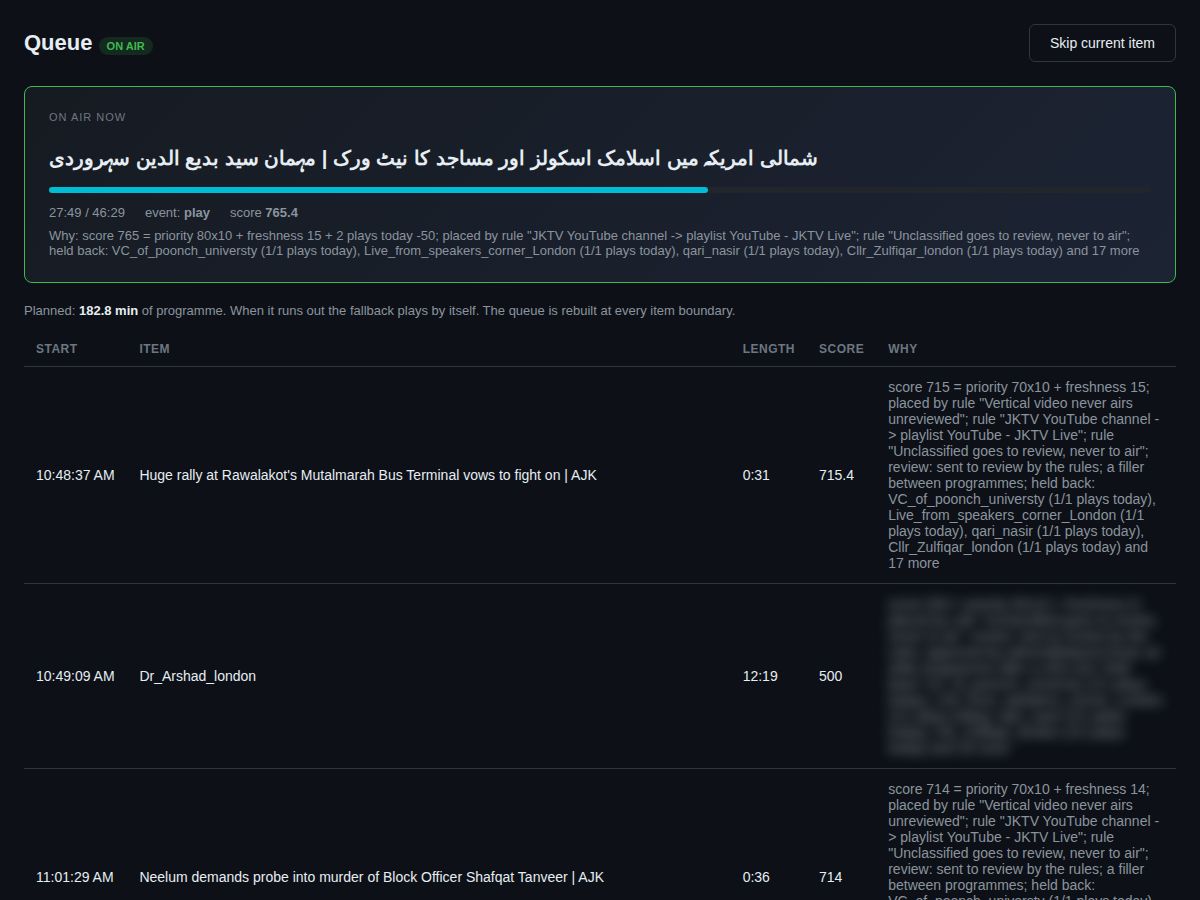
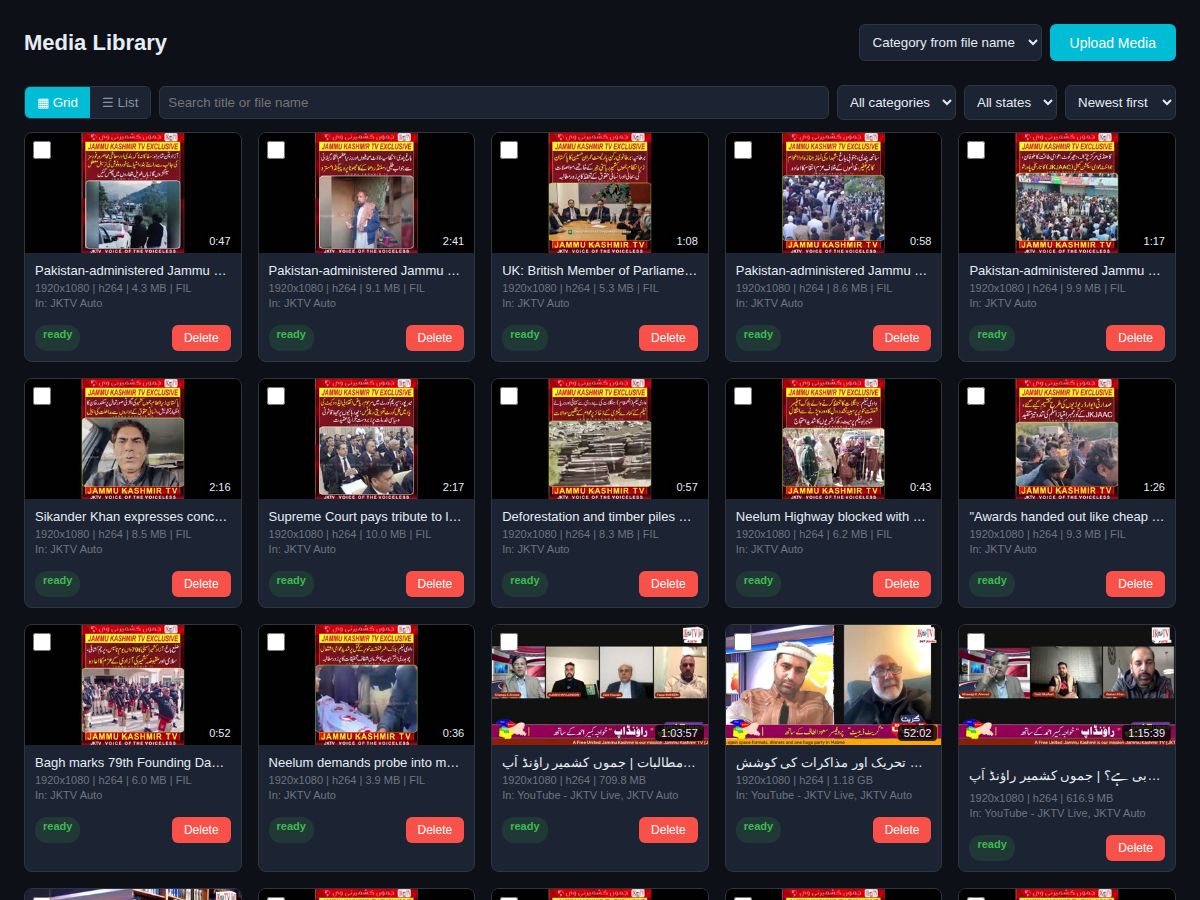
Editorial control, without the busywork
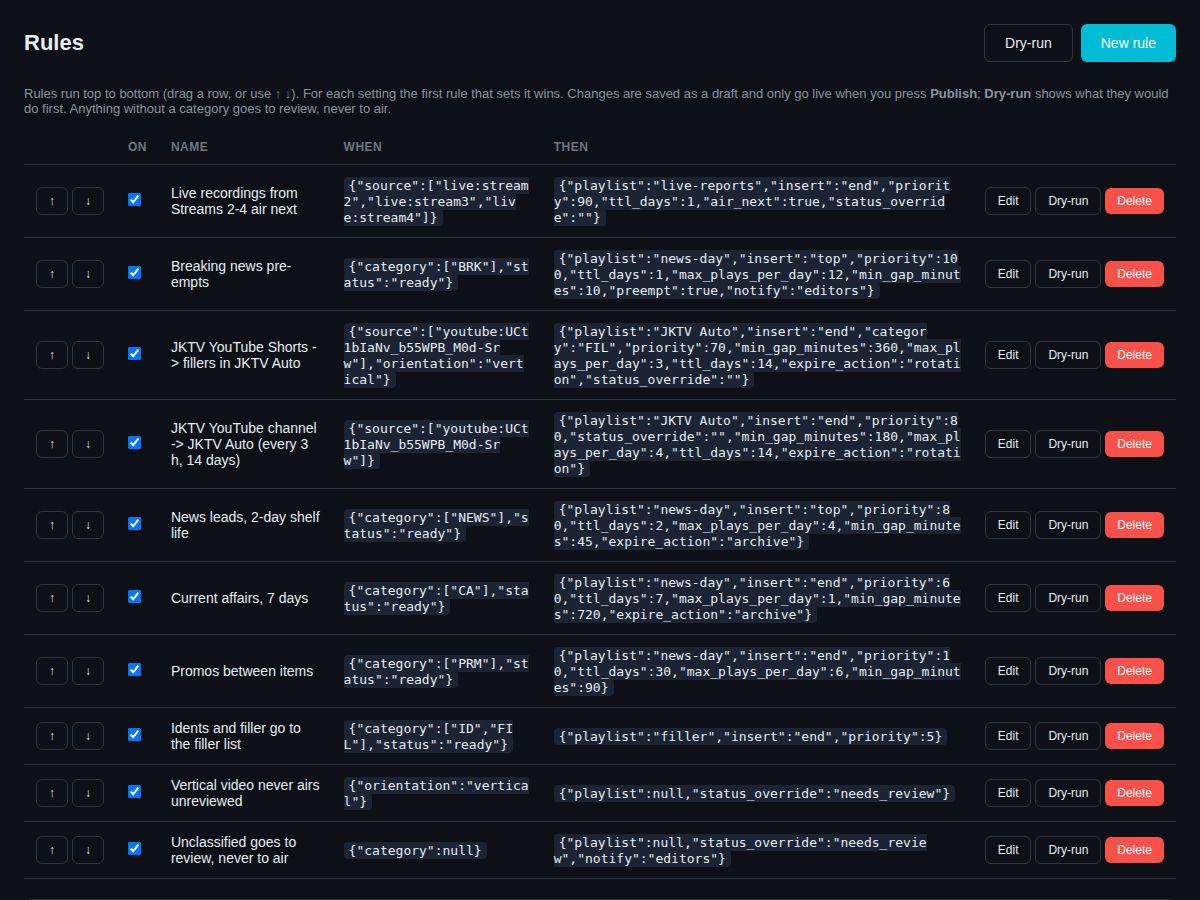
Everything that comes in is checked, sorted and placed by your own rules. Your editors decide; Playout AI does the rest.
Review
Files from reporters, guests and new senders wait for an editor: approve, approve as breaking news, edit the title, or reject with a reason the sender sees.
Rules
News first, how long an item stays, how often it may play, which playlist it joins. Try a rule with Dry-run before it goes live. Breaking news from one sender is limited per day.
Titles and keywords
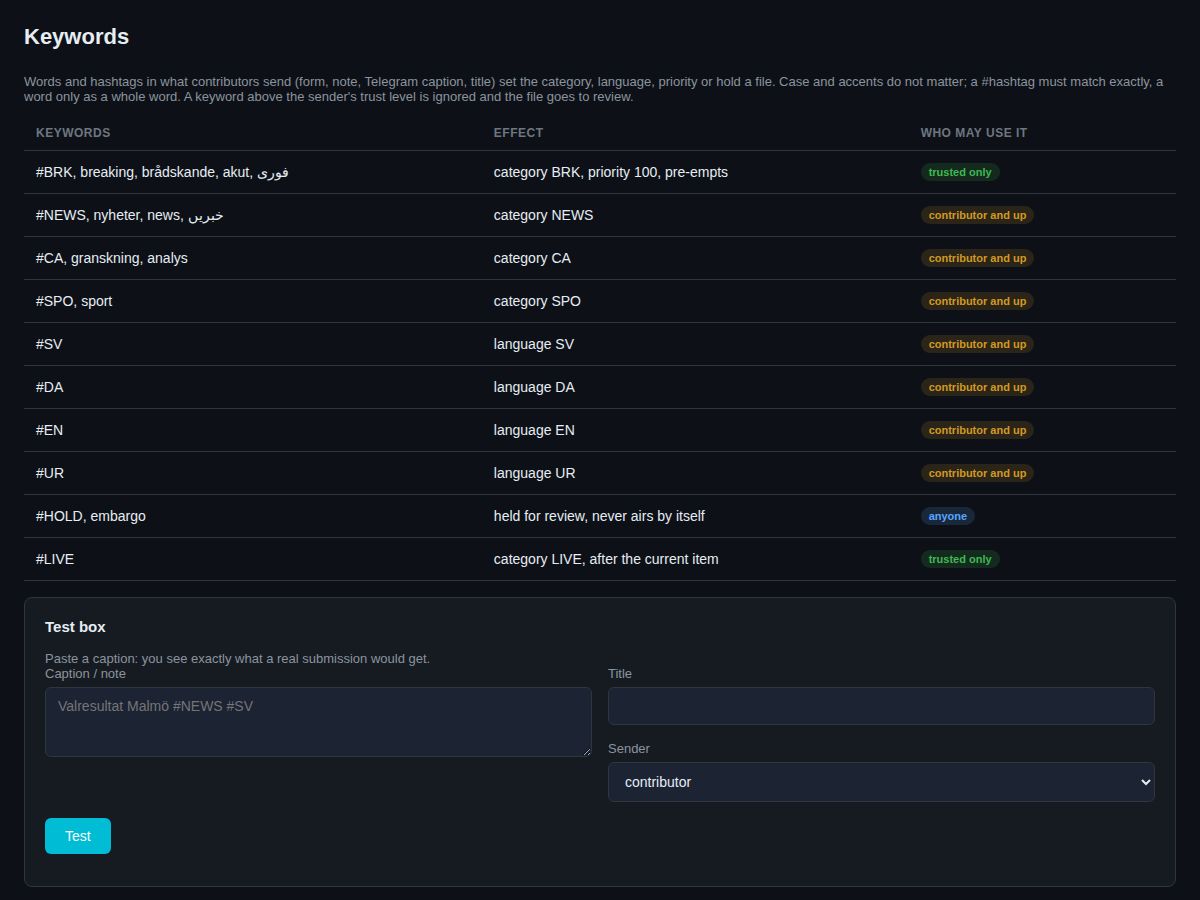
Start a title with a word – NEWS | Place | Date | Title – and the video files itself in the right category, on air and on your video website. Keywords in titles and captions set language and category too.
Running at Jammu Kashmir TV
The viewer player
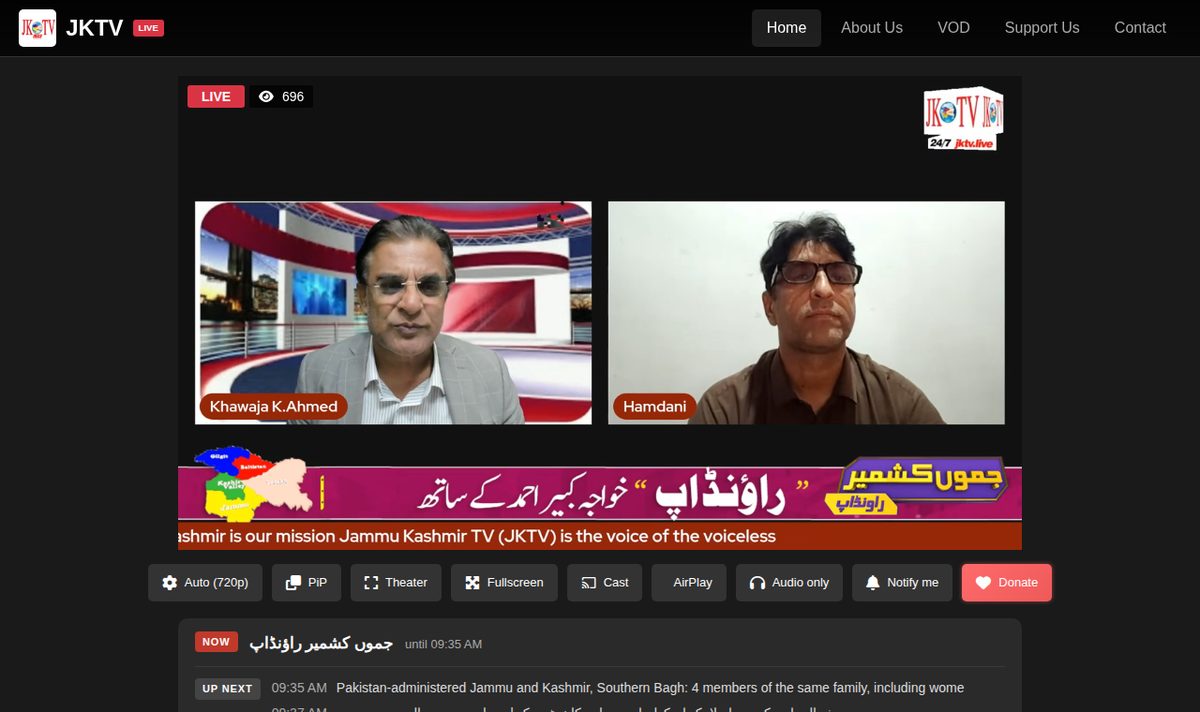
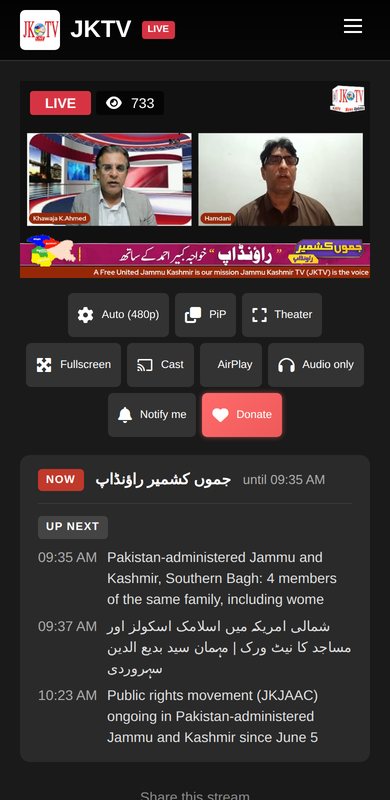
Your channel on your own website and phone app – not only on YouTube. Viewers get a TV-like player; you see how many really watch.
Watch
- Auto quality from 1080p down to 360p
- Rewind the last hour
- Now playing and up next
- "We'll be right back" instead of an error
Take it anywhere
- Cast to the TV, AirPlay, picture-in-picture
- Audio only for mobile data
- Install as an app, with notifications
- Embed the player on other sites
Know your audience
- Real viewer numbers, live
- Website, embedded player and TV counted
- Viewers per ad in the ad report
- Approved videos on your video website (VOD)
Safe and watched, around the clock
A channel that runs while you sleep has to look after itself – and tell you when it needs you.
Logins
- Roles: viewer, editor, operator, admin
- Two-step login per role
- Wrong passwords block that address, not your account
- Picture check after failed tries
Live inputs
- Encrypted only
- A secret key per input, new keys in one click
- Allowed addresses per input
- Sender's address in every alert
Watching
- Black, frozen and silent pictures found
- Output and server-down watcher
- Weekly health e-mail
- Audit log of every change
Your data
- On your own server
- Passwords and keys stored encrypted
- GPS removed from reporters' videos
- Guest details removed after a set time
Running at Jammu Kashmir TV
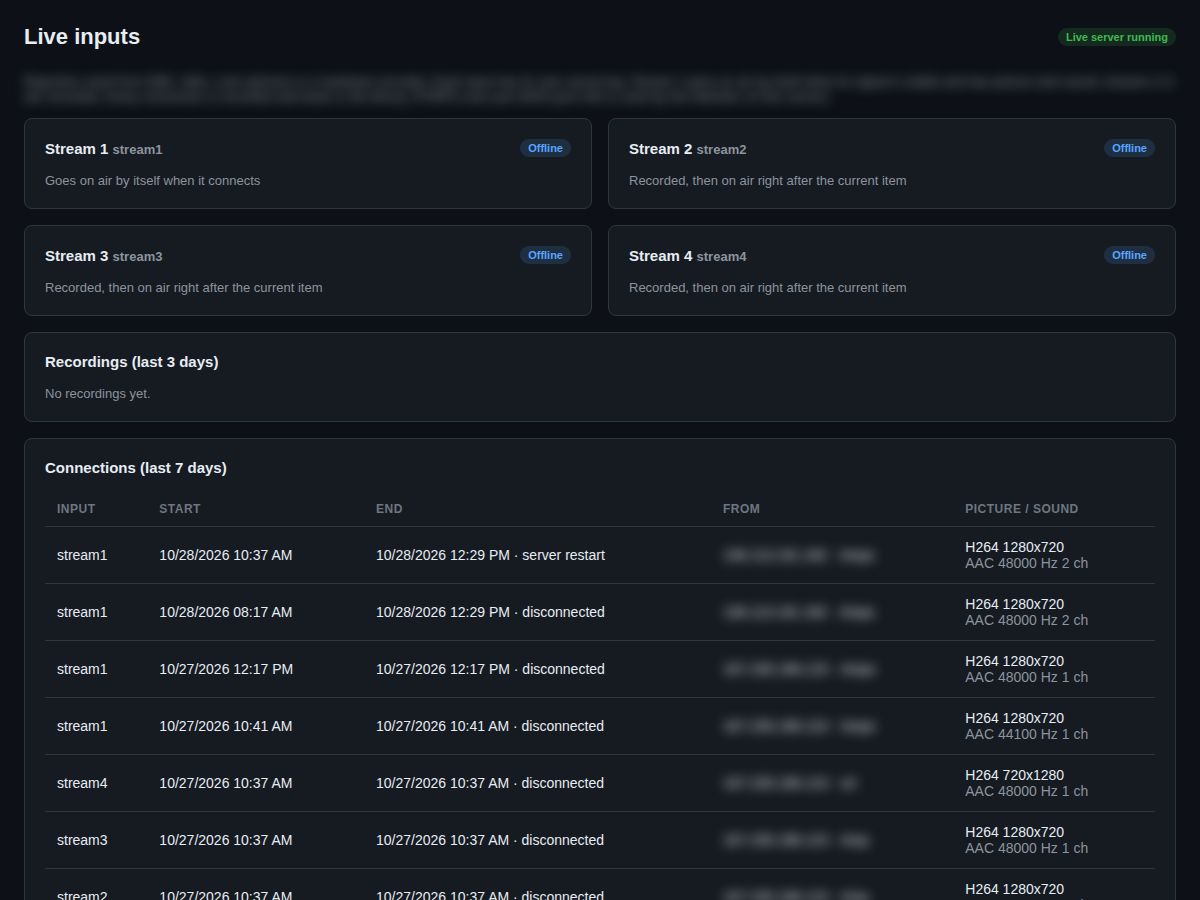
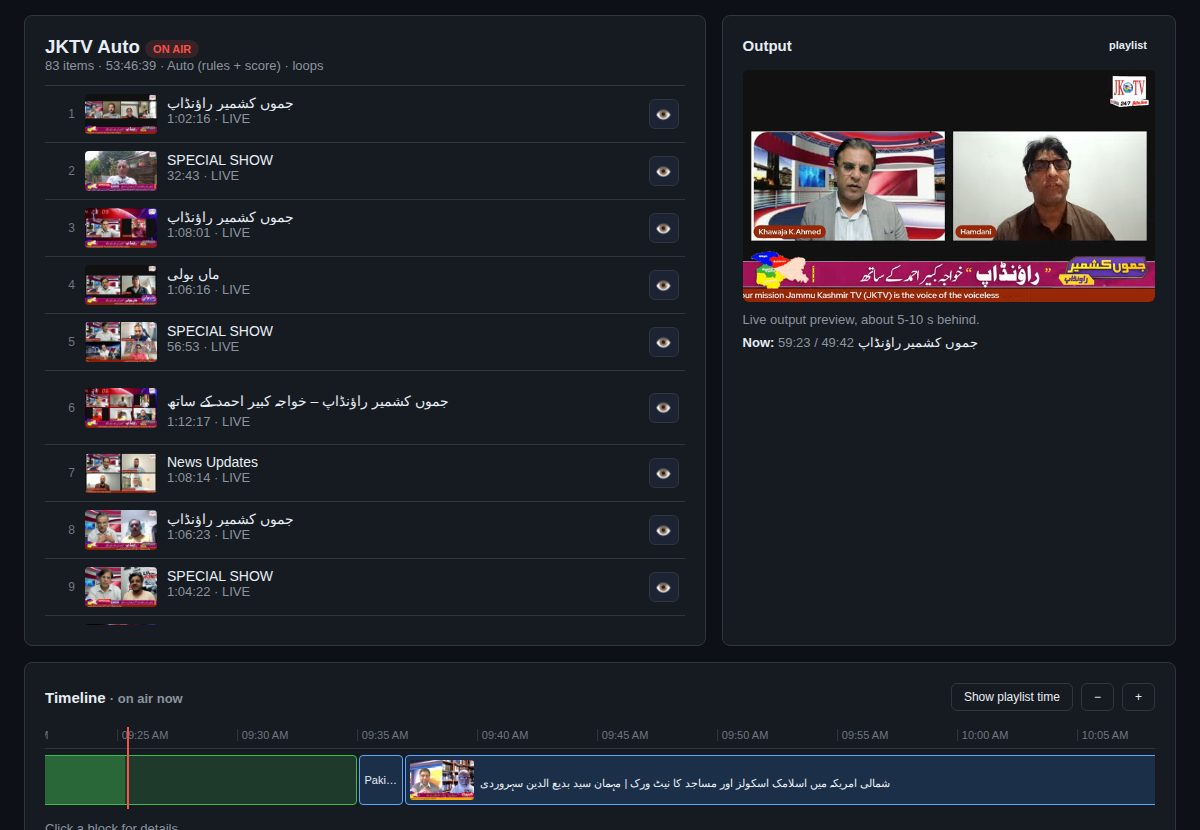
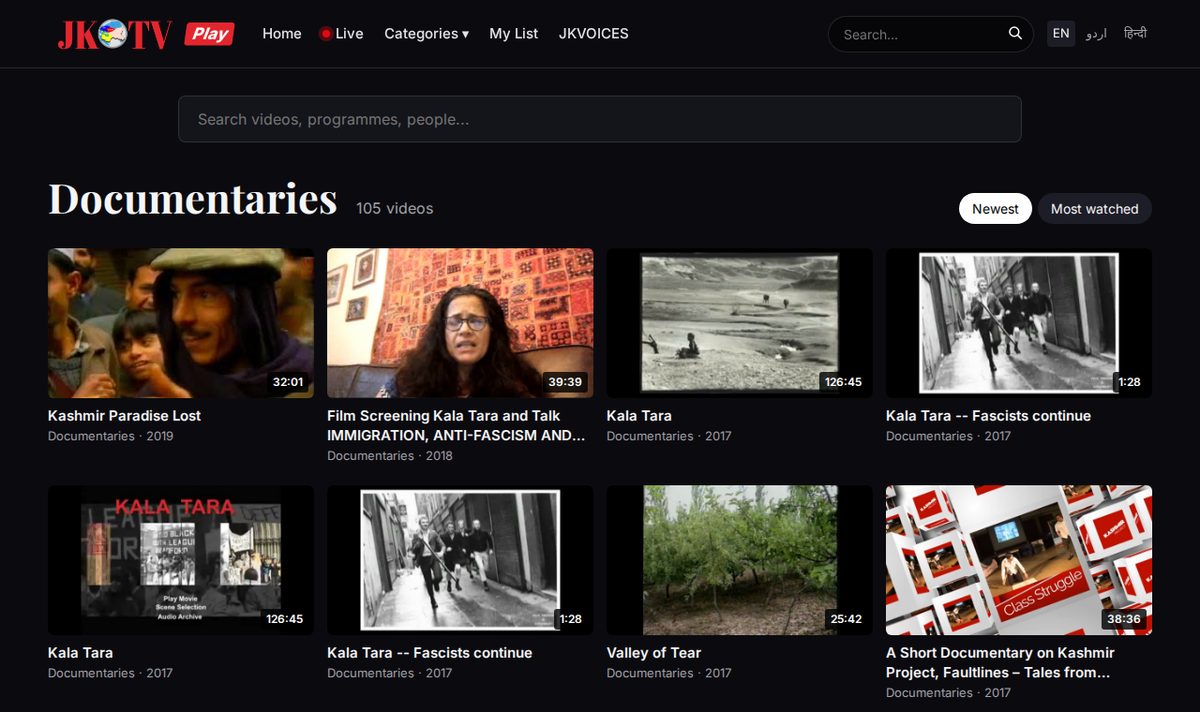
Jammu Kashmir TV runs 24/7 on Playout AI
- One automatic playlist – new programmes every few hours for two weeks, older ones in between, short clips as fillers
- New YouTube videos on air the same day, without anyone touching them
- Live shows from the studio go on air by themselves and are recorded
- Website and app with the live player, real viewer numbers and an hour of rewind
- Video website with the full archive, sorted into categories
On air in three steps
We set it up on your own server or on ours, connect your output and show your team how it works.
Bring your videos and studio
Upload in the browser, by SFTP or from your YouTube channel. Point OBS, vMix or StreamYard at your live input.
Plan your week
Build playlists, put shows and ad breaks on the calendar, set rules for news and breaking news.
Go on air – and stay there
Playout AI plays your channel 24/7, goes live when your studio connects, puts approved videos on your website and tells you by e-mail if anything needs you.
Running at Jammu Kashmir TV
Made for
Specs and questions
| Output | 1080p or 720p, H.264 + AAC 48 kHz, to your website and app or to one platform such as YouTube (RTMP / RTMPS / SRT) |
|---|---|
| Live inputs | 4 at the same time, encrypted (RTMPS, SRT), from OBS, vMix, StreamYard, Larix on a phone or a hardware encoder |
| Files in | Browser upload that resumes after a break, SFTP per reporter, YouTube channel, RSS, reporter portal, guest links with QR code |
| Viewer player | Auto quality 1080p–360p, one hour rewind, Cast, AirPlay, audio only, installable app with notifications, embed code |
| Runs on | Your own Linux server (we advise the size for your channel) or our hosting; used from any browser on computer, tablet or phone |
| Languages | Titles, captions and keywords in any language and script, including right-to-left |
Do I need my own server?
No. We can host and run it for you, monthly. Or we install it on your own server and you own it.
What happens if the server restarts?
The channel is back on air within a minute, with the same video at the same second. Viewers see "We'll be right back" for those seconds, and the hour of rewind stays.
Can my reporters send from a phone?
Yes – live from a phone app such as Larix, or by uploading files in the reporter portal, which works like an app. Guests get a one-time link with a QR code.
Does it replace YouTube?
It works with YouTube: it can stream there and takes your new YouTube videos in. But your channel also plays on your own website and app, where you keep the viewers and the numbers.
Can I run ads?
Yes. Ad breaks after a number of videos or minutes, with start and end dates, daily limits and a play report per advertiser – including how many people were watching.
What does setup include?
We install it, connect your output and live inputs, bring in your videos and show your team how it works.
Running at Jammu Kashmir TV
Ask for a quote
Two ways to get Playout AI. Tell us what you want to run and we answer with a price.
| Yearly licence | White label | |
| For | Your own channel | Your brand, also for your customers |
| Name and logo | Playout AI | Your name, logo and colours |
| Web address | Ours or yours | Your own domain |
| Runs on | Our hosting or your server | Your server or our hosting |
| Updates and support | Included for the year | Included for the year |
| Sell to others | No | Yes |
| Price | Yearly fee | Setup + yearly fee |